Leeds Beckett University - City Campus,
Woodhouse Lane,
LS1 3HE
Create a Clinical Key Student Link

Page last updated:
This staff guide provides information for the Nursing team about adding Clinical Key Student to a MyBeckett Ultra module.
Clinical Key Student is a MyBeckett integration used by the Nursing team in the School of Health.
a. Open your MyBeckett Ultra module.
b. Click the plus icon at the point where you would like to create a link to Clinical Key Student.
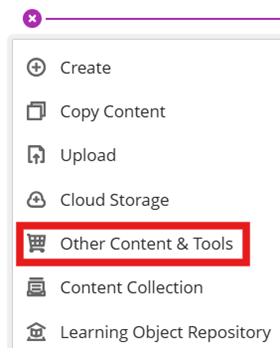
c. Click Other Content and Tools.
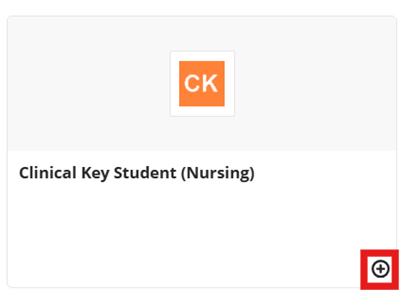
d. Click the plus icon at the bottom right of the Clinical Key Student (Nursing) tool.
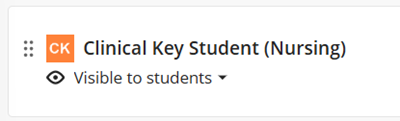
e. Unhide the link from students. This is the link that you and your students can use to access Clinical Key Student. Please follow guidance from Clinical Key to get started.