

Leeds Beckett University - City Campus,
Woodhouse Lane,
LS1 3HE
Grade Centre - Organise columns
Page last updated:
This guide shows staff how to reorder Grade Centre columns.
a. Open Full Grade Centre via the Module Management menu.
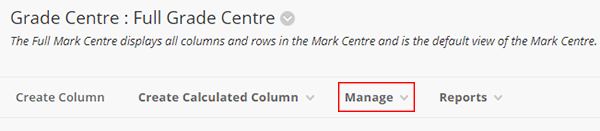
b. Click Manage.
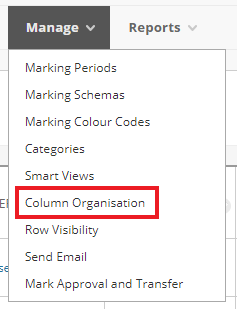
c. Click Column Organisation.
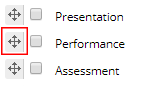
d. Your Grade Centre columns are listed. Click and drag the move icon to change the order of columns.
e. Click Submit.
Video guide: MyBeckett Grade Centre column management





