

Leeds Beckett University - City Campus,
Woodhouse Lane,
LS1 3HE
Clear attempts for a Blackboard / Qwickly assignment
Page last updated:
This guide explains how staff can clear a student's Blackboard assignment submission, so that they can resubmit to a single attempt assignment.
This might occur if a student has submitted the wrong file. Please note, it is not possible to clear attempts for an anonymous assignment.
Important: You cannot retrieve a cleared assignment attempt.
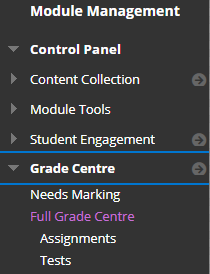
a. In the Module Management menu, click Grade Centre then Full Grade Centre.
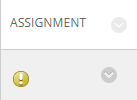
b. Locate the column for the Blackboard assignment, and find the student's mark (or needs marking icon).
c. Click the action link that appears when you hover over the student's cell, then click View Mark Details.
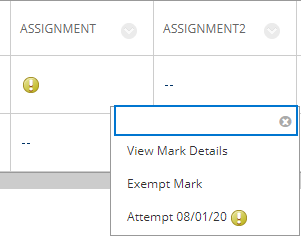
d. Find the attempt you want to clear (there may be multiple attempts if you have enabled this in your assignment settings). Click the Clear Attempt button next to this attempt.

E. Click OK.





