

Leeds Beckett University - City Campus,
Woodhouse Lane,
LS1 3HE
Release feedback
Page last updated:
This guide provides information for staff releasing assignment feedback in PebblePad.
You need to be a Lead Tutor on the workspace to release all marks and feedback to students.
a. Login to PebblePad (see our guide for help).
b. At the top of the screen, click the blue globe icon to open ATLAS.

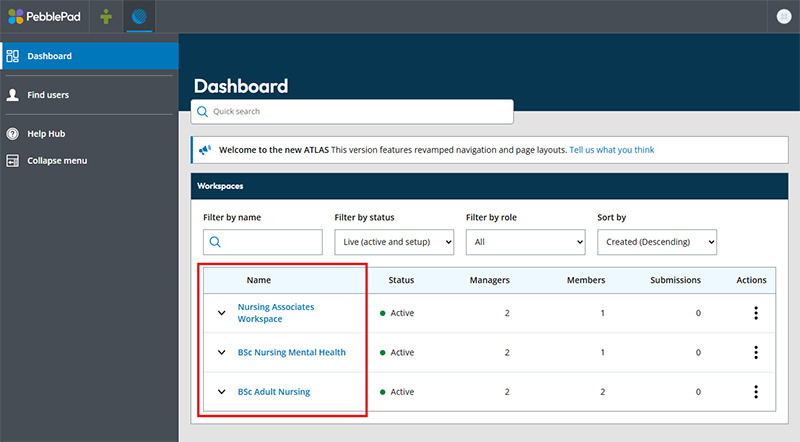
a. Click the name of the Workspace containing your assignment.
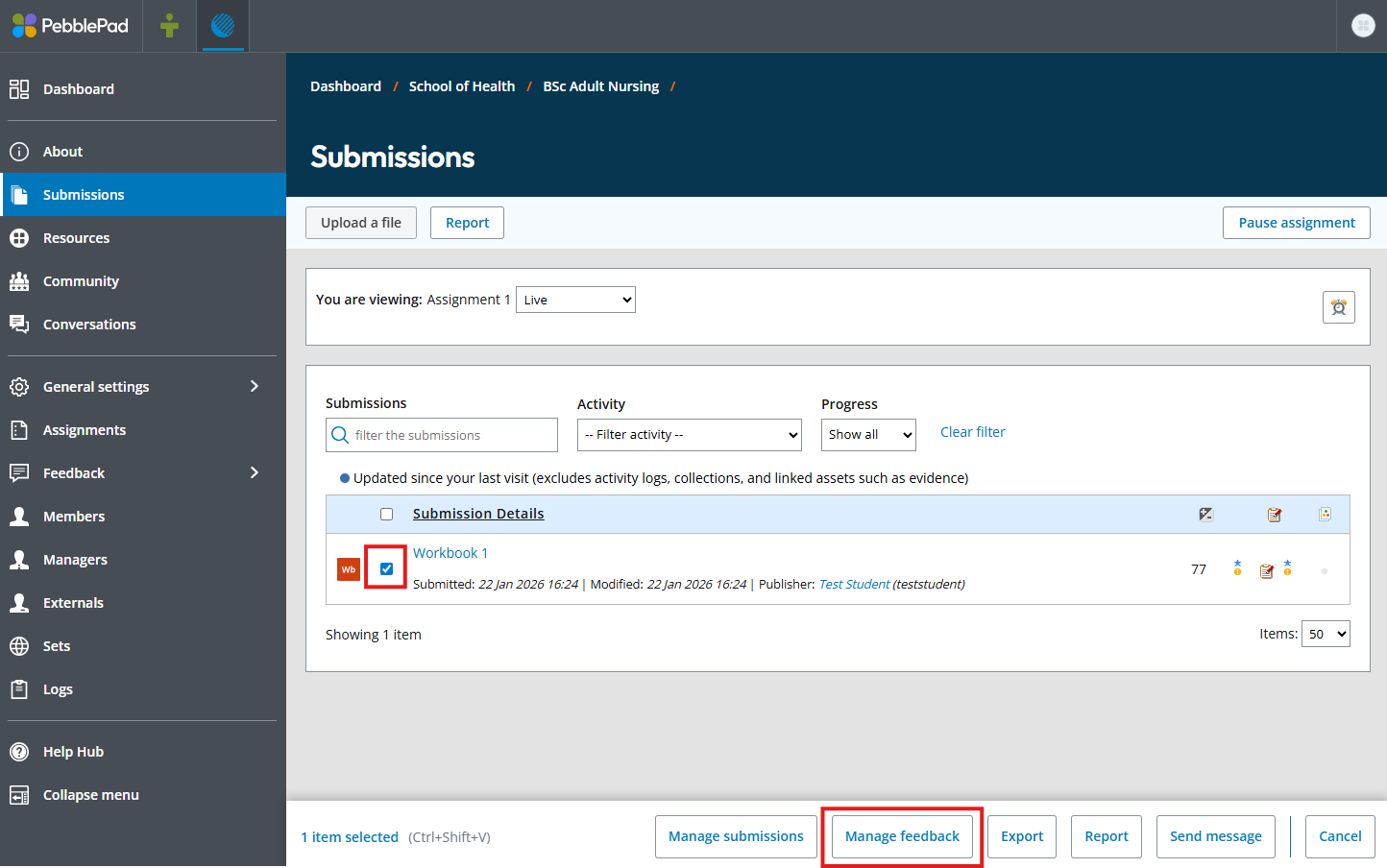
b. On the submissions page, use the checkboxes to the left of the submissions to select any that have feedback to release. If you wish to select all submissions, click the checkbox at the very top in the column header. Then click manage feedback in the action bar that appears at the bottom of the screen.
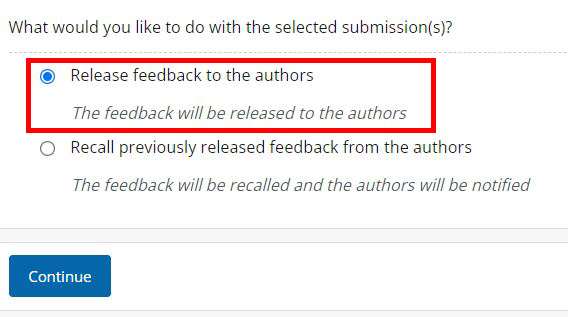
c. Select Release feedback to the authors, then click Continue.
d. Select both Grades and Feedback comments to release marks at the same time as feedback.
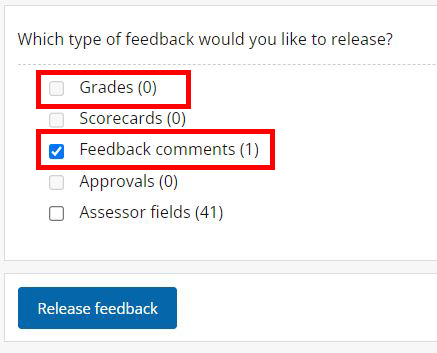
e. Click Release feedback.





